Survive The Night TD Scripts & Automation Features
Feature overviews only — using scripts can risk account penalties.
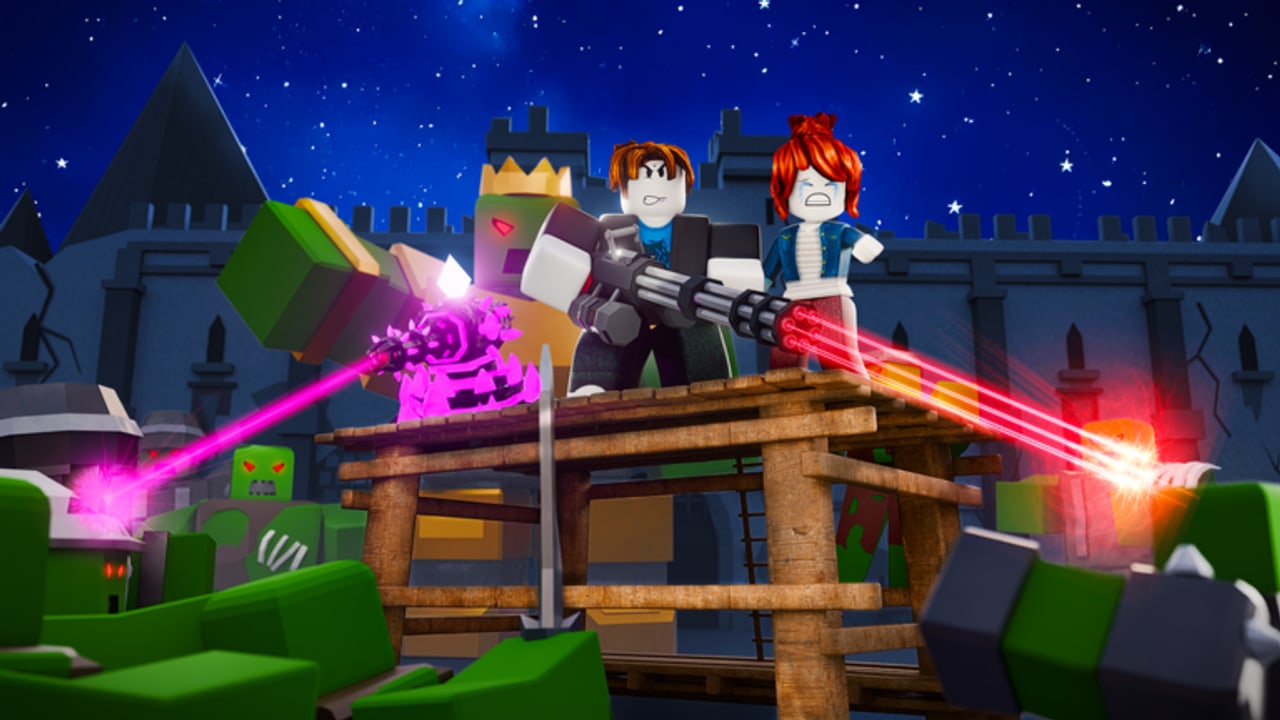
This Scripts Hub documents feature lists for popular Survive The Night TD automation tools on Roblox. It exists so players researching AFK farms or smart play assistants can compare capabilities. Using third-party scripts can violate Roblox rules and may lead to bans or other penalties. This wiki does not host executors, does not provide script source code, and does not encourage rule-breaking. We list features only.
If you want a legit path, use the Guides Hub, redeem codes, and learn door defense instead of automating matches.
Featured script pages
- ATG Hub Auto Farm — AFK farm across difficulties, auto repair door, auto play again, auto join, auto upgrade towers and door, webhook support.
- HelioHub Smart Auto Play — keyless smart auto play with economy/DPS planning, support mode for door and housemates, auto collect banks, HP% repair thresholds, auto claim house, targeting, lobby best-loadout equip, auto upgrade towers/pets, auto start match, auto claim daily/social/battle pass, auto redeem codes.
Read each child page for a deeper feature breakdown. Neither page replaces learning Easy and Hard yourself.
Safety disclaimer (read this)
- Automation can be detected. Accounts are not worth a temporary coin boost.
- “Keyless” or “undetected” marketing claims are not guarantees.
- Webhooks and auto-rejoin increase activity patterns that look non-human.
- Prefer official rewards: codes, group join bonuses, Lorenzo crates, and VIP only if you choose to spend Robux.
- This site is unofficial fan documentation for Survive The Night TD by Duni&Minion — not an endorsement of exploits.
Why players look at scripts anyway
Survive The Night TD runs long Easy clears (15 waves), Hard two-door defenses, and clan endless grinds toward wave 100 / 250 / 500 badges. AFK tools promise door repairs and replay loops; smart play tools promise economy planning so Medical Base and Tesla come online before bosses like Golden King, Thorn Warden, or Cursed Priest. Understanding those feature promises helps you evaluate risk — or ignore scripts entirely and still clear with good tower upgrades.
Legit alternatives to scripting
- Redeem mid-November codes (
EVOLUTION,COINRAIN,5MILGEMS, and others on the Codes Hub). - Keep four strong loadout slots (Farm/Printer + heal + AoE + Tesla/Crossbow).
- Practice door HP discipline from the Door Defense guide.
- Hatch pets with Gems for passive help without executors.
- Watch patch notes under Updates so you are not fighting outdated waves.
Related reading
Players Hub explains towers and bosses. Tier List ranks what to upgrade first. Clans and Solo covers endless badges without automation. If you only came here for RDM code redemption automation mentions inside HelioHub features, still redeem manually via How to Redeem when possible.
Survive The Night TD is a strategy tower defense about protecting the door — not about racing bans. Use this hub as a catalog of claimed features, then make the safe choice.
Compare ATG Hub Auto Farm for AFK repair/replay loops against HelioHub Smart Auto Play for planner, support mode, battle pass, and auto code claims. Both pages stay feature-only catalogs - learn Door Defense and Tower Upgrades instead of risking bans during Evolutions weekends.
Frequently Asked Questions
Quick answers about codes, towers, doors, pets, and modes.
Does this wiki give download links or script source?
No. Pages describe features only. We do not distribute executors or paste script code.
Can scripts get my Roblox account banned?
Yes. Third-party automation can violate Roblox rules. Ban risk is real; play manually if you want to stay safe.
What does ATG Hub Auto Farm claim to do?
AFK farm on all difficulties, auto repair door, auto play again, auto join, auto upgrade towers/door, and webhook notifications. See the Auto Farm page for detail.
What makes HelioHub different?
It markets smart economy/DPS planning, support mode, HP% repairs, loadout equip, pass claims, and auto code redeem. Details are on the Smart Auto Play page.